 Autolyrical
Open editorDownload
Autolyrical
Open editorDownload
MUSIC VIDEO & LYRIC EDITOR
Make music.Keep your flow.
Add your song and clips. Style your lyrics, create fresh edits and export them together.
Windows & Mac · Edit on your computer.
Same song. Multiple videos.


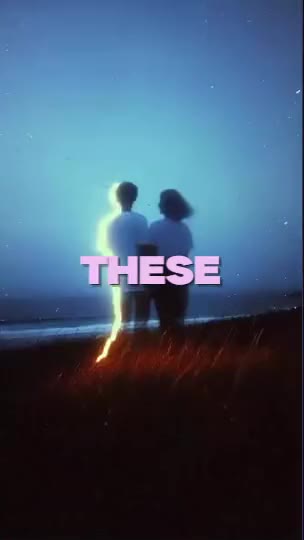
Choose a style. Find your flow.
Your next edit, on us.
First 25 licenses. Yours to keep, with updates included.
Watch the process.
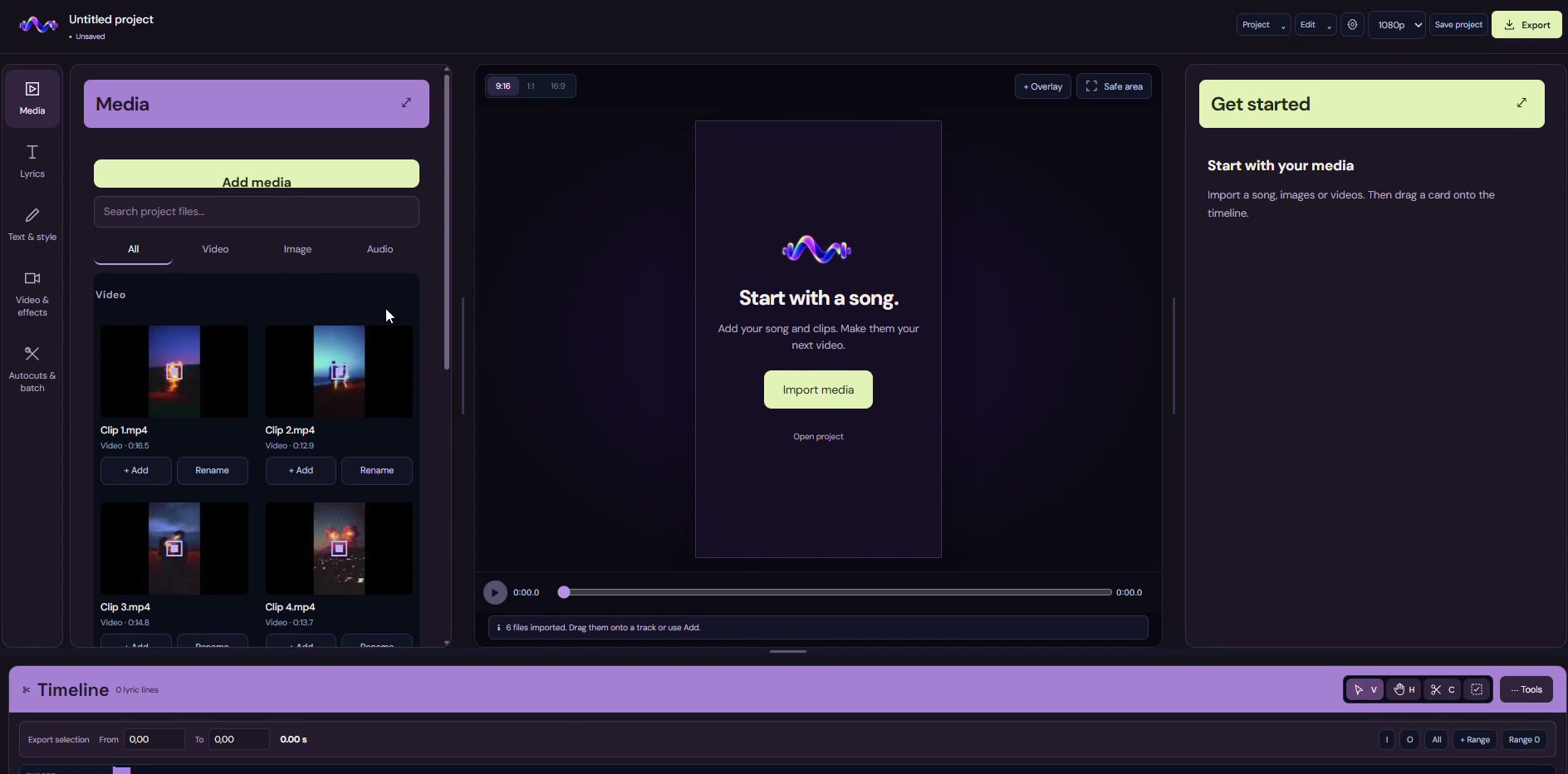
Your sound. Now seen.
Import your music and footage. Generate lyrics and review the timing.

Your lyrics. Your signature.
Switch templates. Find your style. Make it yours.

One song. Fresh edits.
Generate video variants from your track and footage.

One batch. Multiple videos.
Choose your settings and export your finished edits together.
Questions
How does Autolyrical save me time?+
Reuse your lyric style, let auto clips create video variants and export them in one batch. You spend less time repeating the same setup and starting exports one by one — and more time making music.
Can I make a lyric video without editing experience?+
Yes. Add your song and videos, choose a lyric template and review the words and timing. Auto clips can create different edits from the same material. When they are ready, export them together in one batch. Our lyric video guide walks through the steps.
Can I export several videos at once?+
Yes. Batch video export queues your finished edits so you do not have to start each export yourself. That saves hands-on time; total rendering time depends on your computer, video length and export settings.
Does it work on Mac and Windows?+
Yes. Downloads are available for Windows and Mac, including Intel and Apple Silicon. Both platforms include templates, auto clips, batch export and a choice of themes. Open the editor in your browser or in an app window using installed Edge or Chrome. The demo recordings show the Windows editor. Mac requires macOS 12 or later, or macOS 13 or later for Parakeet auto lyrics. Optional lyric alignment requires Apple Silicon.
How do I access my download?+
Enter your email to claim an available free license, then download the desktop editor. Product emails are optional. Existing customers can still enter their license key on Download.
What happens after the first 25 licenses?+
The first 25 license holders keep their free license, including updates. Free registration then closes. Paid access will be introduced later; checkout is not connected and no automatic charges are made.